How To Change Background PS5 And Customize Your Screen
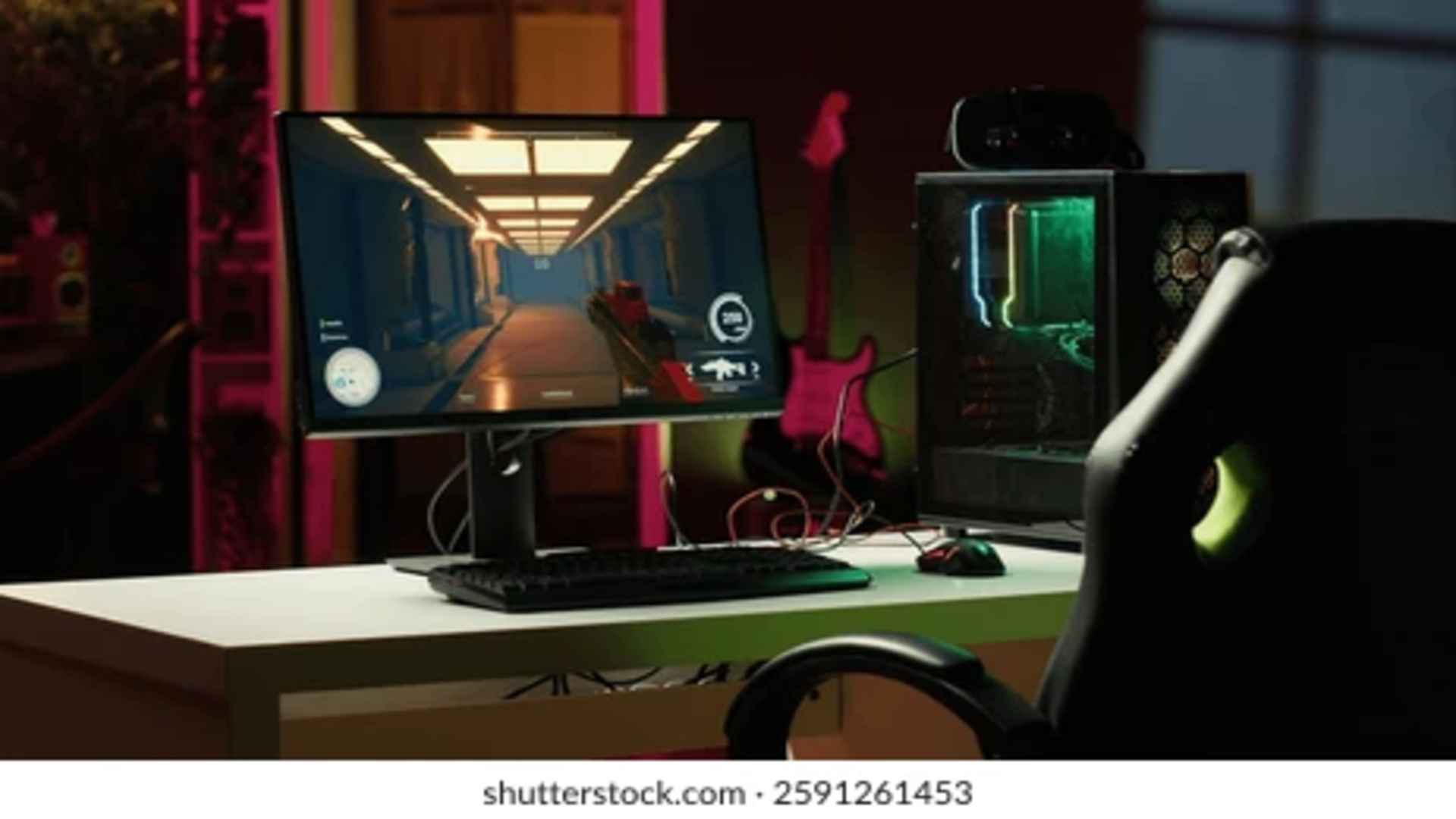
Customizing your PlayStation 5 home environment allows you to tailor the visual presentation of your console to reflect your personal tastes. With recent system updates, players can personalize their interface using built-in presets, game artwork, or custom media.
Understanding the PS5 Welcome Hub
The Welcome hub serves as the primary customizable space on the modern PlayStation 5 dashboard. Through this dedicated area, gamers can modify widgets, rearrange layouts, and select dynamic wallpapers.
Unlike previous console generations that relied on full system themes, the PS5 focuses theme customization mainly within this hub space. This design keeps interface navigation smooth while offering dedicated room for visual flare.
How to Access and Change Backgrounds
To start changing your display backdrop, navigate to the Welcome tab on your main menu. Highlight the top area and press the designated edit button to bring up the background settings menu.
From here, you can browse stock backgrounds provided by PlayStation or choose featured game visuals. If you want a more personal touch, you can also select captured screenshots directly from your Media Gallery.
Using Custom Screenshots and Personal Media
Setting your own in-game captures as wallpapers gives your home dashboard a unique look. Simply capture high-resolution moments during gameplay using the Create button on your DualSense controller.
Once saved, access the Media Gallery tab in the background menu to select your image. This allows you to highlight your favorite gaming achievements or scenic virtual landscapes every time you boot up your console.
Arranging Widgets for a Clean Layout
To maximize the visibility of your new wallpaper, you can adjust or remove the widgets on your screen. Rearranging these elements ensures key information stays accessible without cluttering your backdrop.
By editing widget size and position, you can establish a clean, organized aesthetic. Taking time to balance utility and visual appeal will give your display a polished finish.